Real-time feedback for remote meetings, empowering self-awareness and growth
Context & Problem
Remote meetings often lack objective feedback, making it hard for participants to improve their communication and results. The challenge was to create a tool that could capture real-time feedback in a seamless, non-intrusive way, boosting learning and performance for both individuals and teams.
Summary of your workflow for this project
My workflow always begins by connecting with real users. I conducted interviews with remote workers and team leaders to identify their pain points, then mapped out quick sketches to test hypotheses before building anything in Figma.
My Role
UI Designer
UX Designer
Workflow
User interviews
Sketches and wireframes
Interactive prototype
Usability tests with team leaders
Developer handoff
What was done in prototyping?
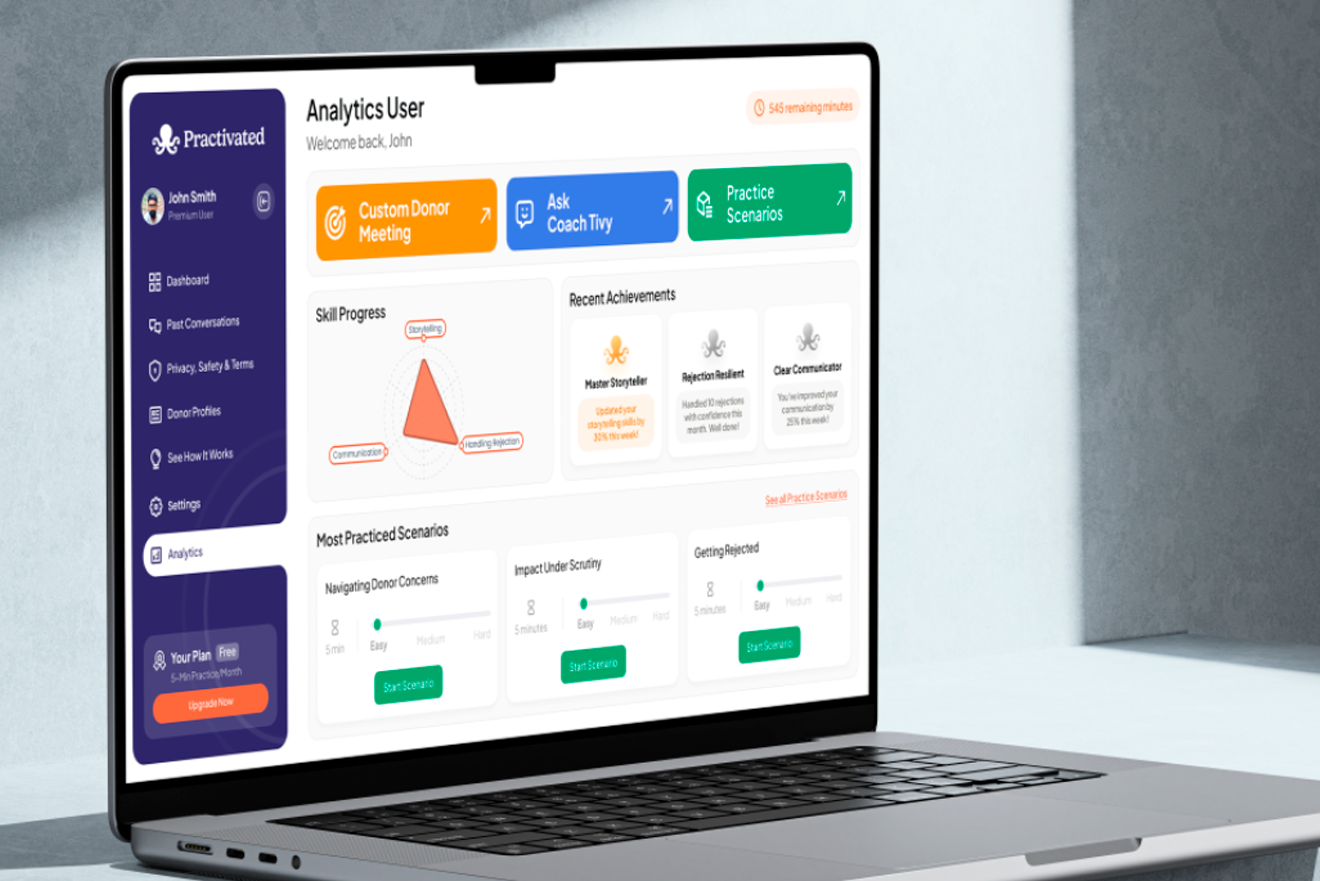
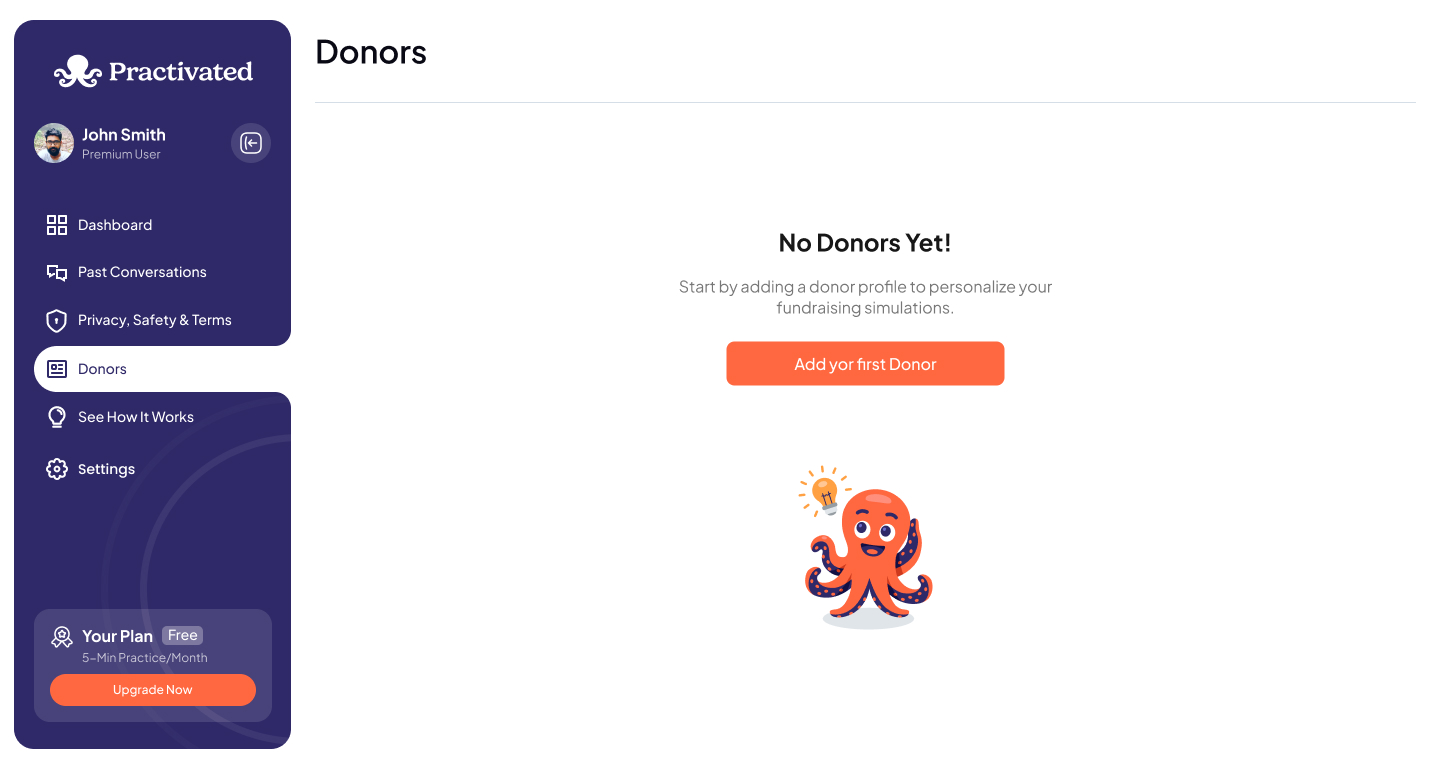
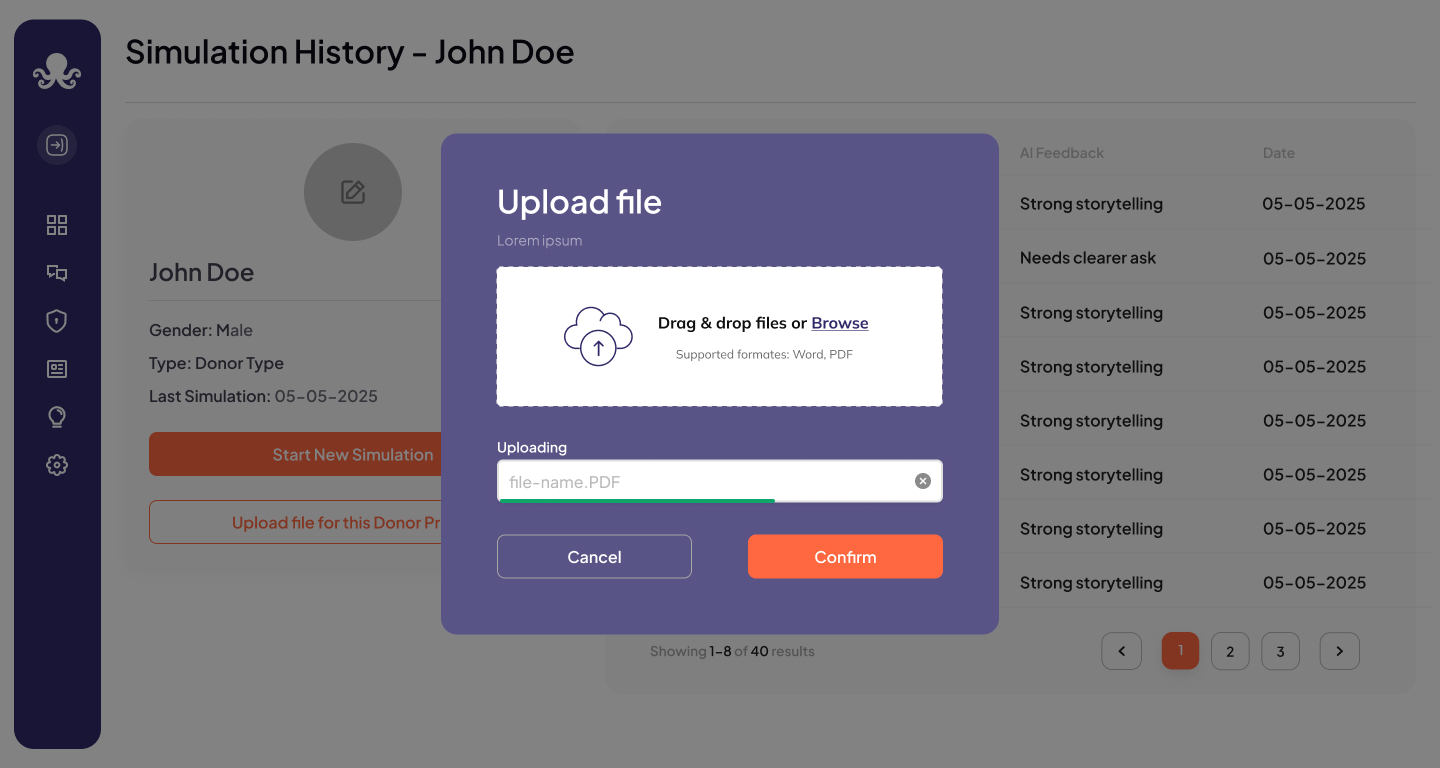
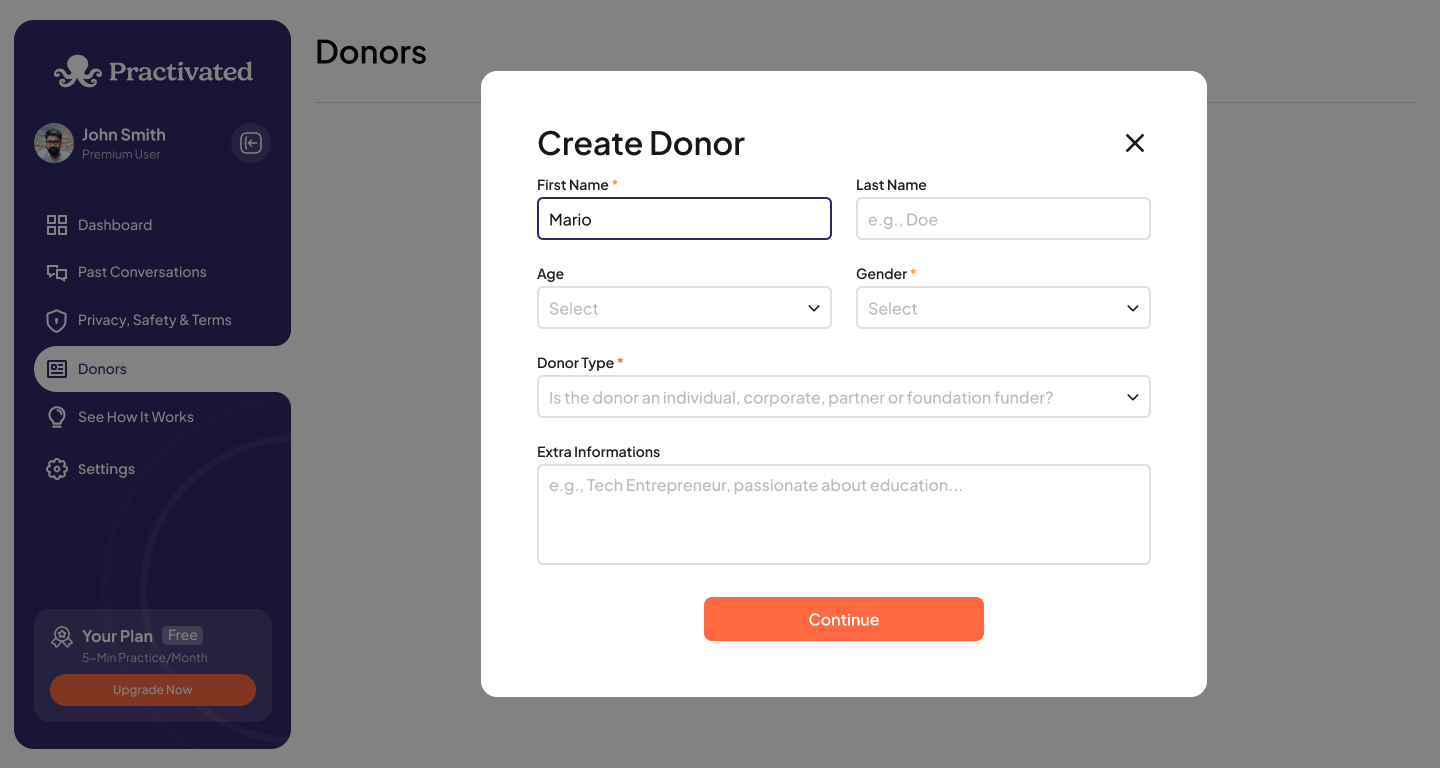
For Practivated, I used Figma’s auto layout and components to build scalable flows. I created interactive prototypes simulating real-time feedback, which helped stakeholders visualize the experience and made developer handoff much smoother.
Fun Fact
Fun Fact: The first interface test was done during a live Zoom call with the team—people gave feedback in real time, which we used to improve the experience right after the meeting.
Lorem ipsum is simply dummy text of the printing and typesetting industry. Lorem ipsum has been the industry’s standard dummy text ever since the 1500s, when an unknown printer took a galley of type and scrambled it to make a type specimen book.
Motion Presentation
For Practivated, I used Figma’s auto layout and components to build scalable flows. I created interactive prototypes simulating real-time feedback, which helped stakeholders visualize the experience and made developer handoff much smoother.